Marutto Booking
A Shopify app for taking visits, events, consultations and other appointments in your store. You link a booking menu to a Shopify product, and customers book from the booking calendar on that product's page.
This documentation is written for businesses considering the app and the people who set it up and run it. Step-by-step instructions are in the User guide.
How bookings work
Bookings go through Shopify's own products, cart and orders. The app has no checkout of its own.
- You create a booking menu and link it to a Shopify product
- On the product page, the customer picks a location, a bookable resource and a time in the booking calendar, then clicks "Book Now"
- The app holds that time slot, adds the product to the cart and sends the customer to Shopify checkout
- The booking is confirmed when the order is created, and appears in the app's Bookings page
The order line gets a "Booking date & time" property. The customer's name, email and phone come from the order's contact details.
An unpaid order (for example, pay in store) still confirms the booking once the order is created. If you cancel the order in Shopify, or fully refund the booking's line item, that booking is cancelled too (only bookings that haven't started yet).
The booking calendar only appears on products linked to a booking menu
Other product pages show nothing. On a product with a published booking menu, the theme's "Add to cart" and "Buy it now" buttons are hidden, so customers buy through the calendar's "Book Now" button.
How double bookings are prevented
| What | How it works |
|---|---|
| Capacity | Each bookable resource has a maximum number of bookings for the same time. 1 means one party only; 10 means up to ten |
| Cart hold | From the moment a customer clicks "Book Now" until checkout is complete, the slot is held so nobody else can book it (0–60 minutes) |
| Preparation time | The time kept free between one booking and the next, set per booking menu |
| Paid order exceptions | If an order is paid but its slot is already taken, the booking isn't confirmed automatically. It shows up under "Paid order exceptions" on the Bookings page so you can decide what to do |
The app never refunds automatically. If a refund is needed, issue it from the order page in Shopify.
Pricing
There's no fee per booking. You pay only the plan's monthly price.
| Plan | Monthly price | Bookings |
|---|---|---|
| Free | $0 | 10 in total |
| Basic | $19.99 | 30 per month |
| Pro | $49.99 | Unlimited |
What each plan includes is in 10. Plans and pricing.
Pages in the app
The app menu has these pages.
| Page | What you do there |
|---|---|
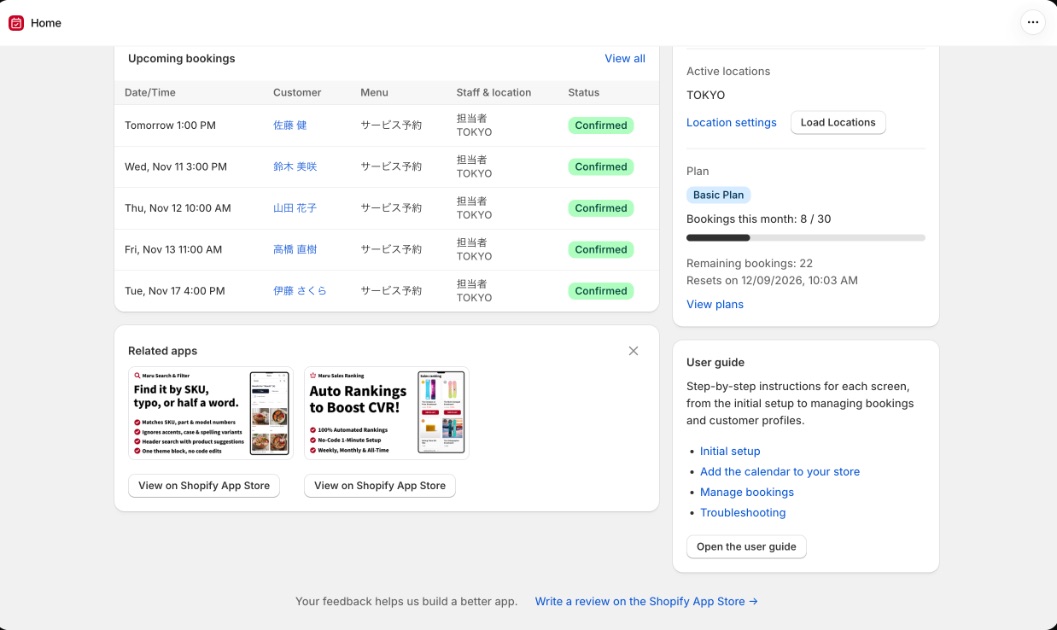
| Home | Today's bookings, confirmed bookings this month and other metrics; notices about settings that need attention; store status |
| Bookings | View, filter and move bookings, see them on a calendar, add, edit and cancel bookings, export CSV, handle the waitlist and paid order exceptions |
| Customers | The customer list and customer profiles (visit history, record fields, notes) |
| Settings | The "Bookable resources & menus", "Booking rules", "Stores & locations" and "Customers" tabs |
| Plans | Compare and change plans |
Languages
The admin pages and the booking calendar are available in Japanese, English, French, Spanish, German, Dutch, Italian, Portuguese, Polish, Czech and Turkish. The admin follows your Shopify admin language, and the booking calendar follows the language your store is shown in.
Where to go next
- User guide: set the app up in order, starting right after installation
- FAQ
- Changelog: new features and changes
- Troubleshooting